Transaction Dashboard
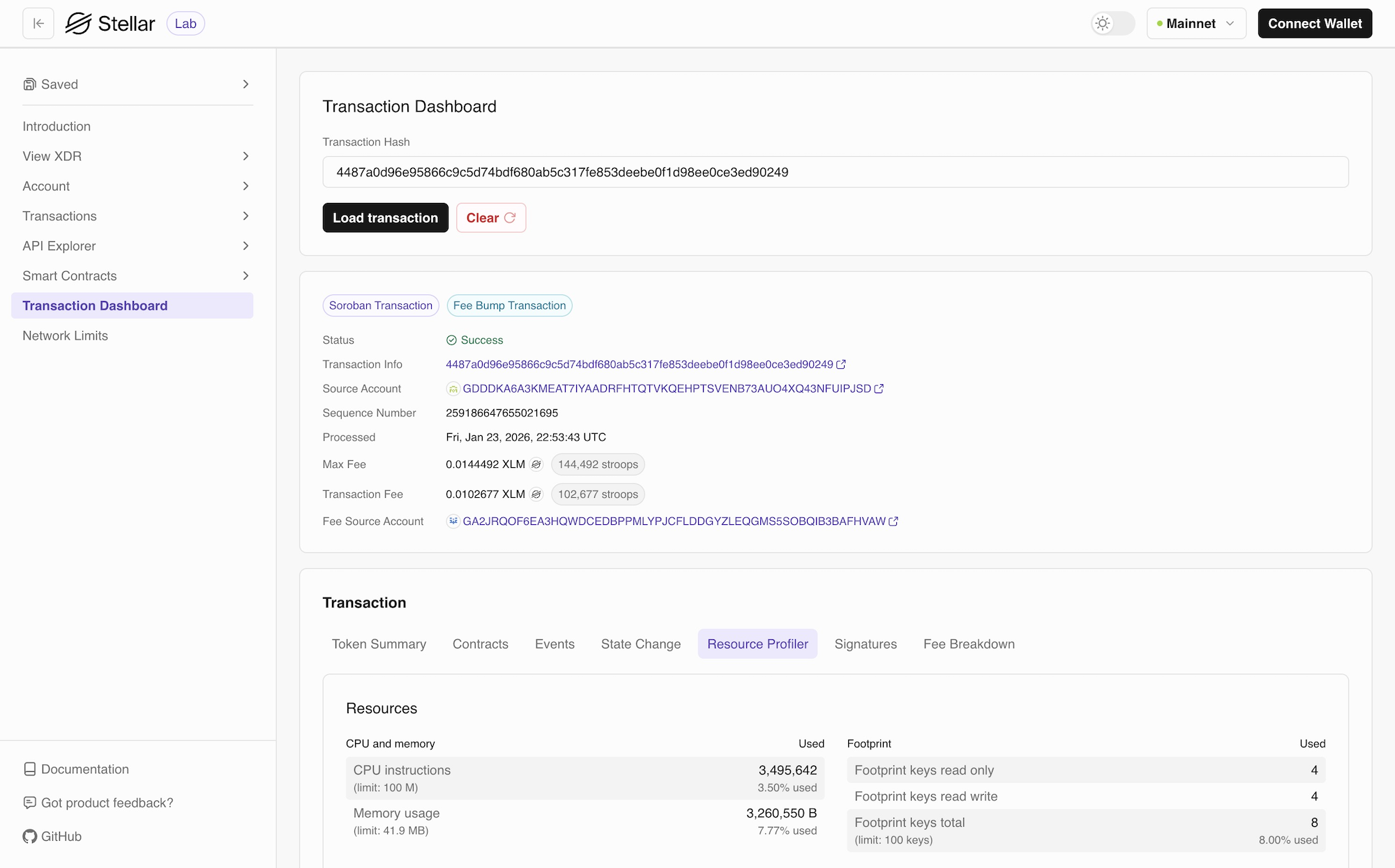
The Transaction Dashboard provides a comprehensive view of transaction details. For classic transactions, it offers deep insights into operations. For smart contract transactions, it offers details on its interactions (token summary, contracts, events, state change), resource consumption, signatures, and fee breakdowns.
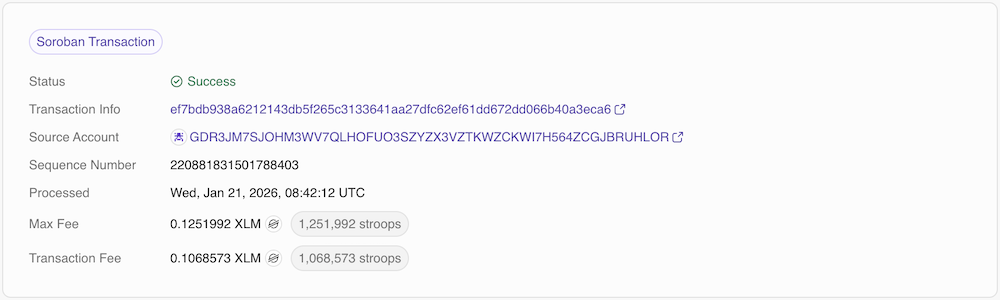
Transaction details for both smart contract and classic transactions include the status of the transaction, transaction hash, source account for the transaction, sequence number, the date it was processed, fee, and fee source account if applicable. In classic transactions, it includes memo and the number of operations. Whether you're debugging a failed transaction, analyzing contract behavior, or optimizing performance, the Transaction Dashboard gives you all the information you need in an organized, easy-to-understand interface.
The dashboard automatically detects whether you're viewing a classic transaction or a smart contract transaction and displays the relevant tabs accordingly.
This feature uses an RPC and RPC retains at maximum 7 days of historical data. Any transaction older 7 days will be displayed as invalid.
Dashboard Tabs for Smart Contracts
The Transaction Dashboard organizes transaction information into multiple tabs, each focusing on a specific aspect of the transaction:
Token Summary
The Token Summary tab displays information about token transfers and balance changes that occurred during the transaction. This tab is particularly useful for tracking asset movements and understanding the financial impact of a transaction.
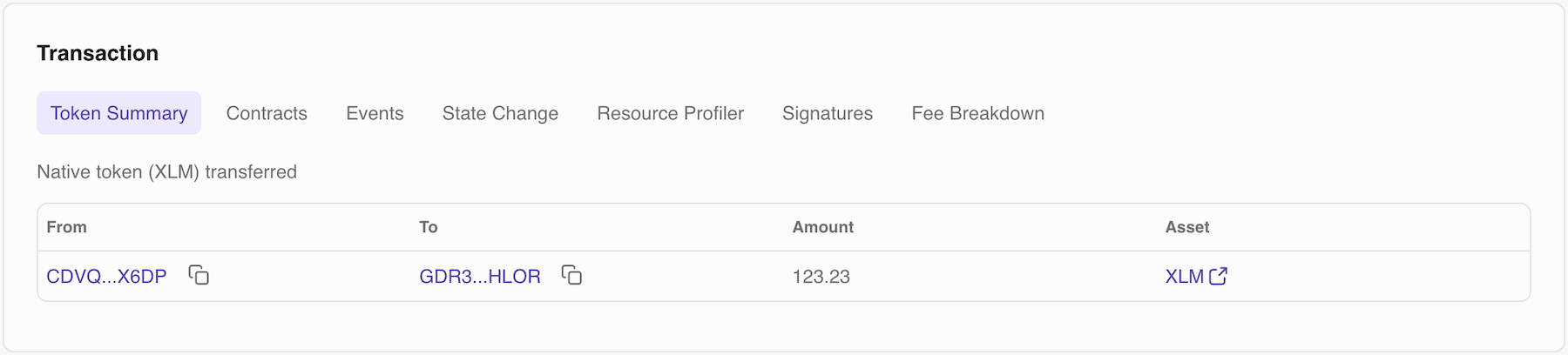
What you'll see: Tokens transferred with asset codes and amounts, sender and receiver addresses for each transfer
Contracts
The Contracts tab shows detailed information about smart contracts involved in the transaction, including which contracts were invoked.
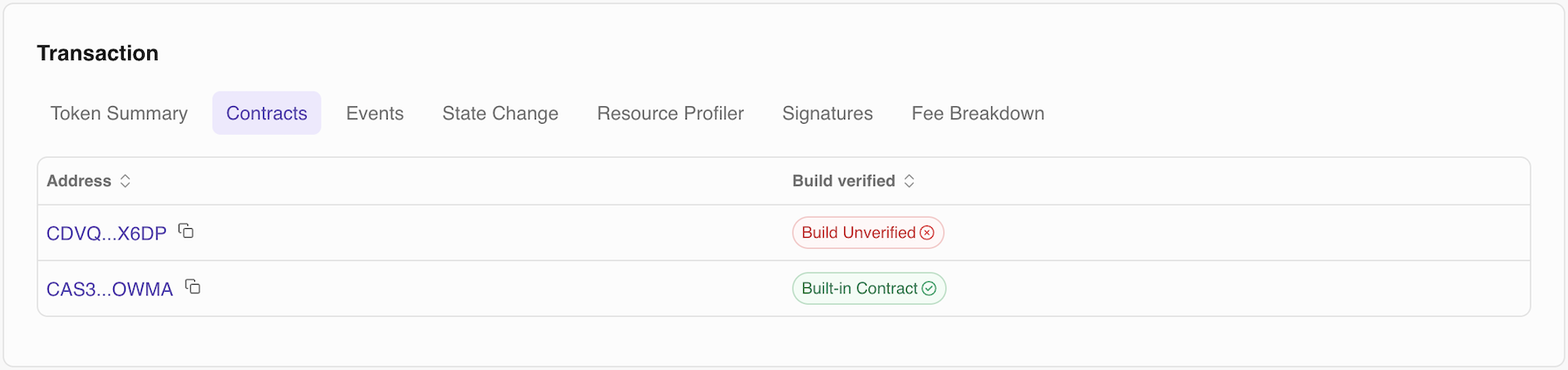
What you'll see: Contract IDs for all invoked contracts and their verification status
Events
The Events tab displays all events emitted during transaction execution. Events are logged outputs from smart contracts that track state changes and important occurrences, providing visibility into what happened inside contract execution.
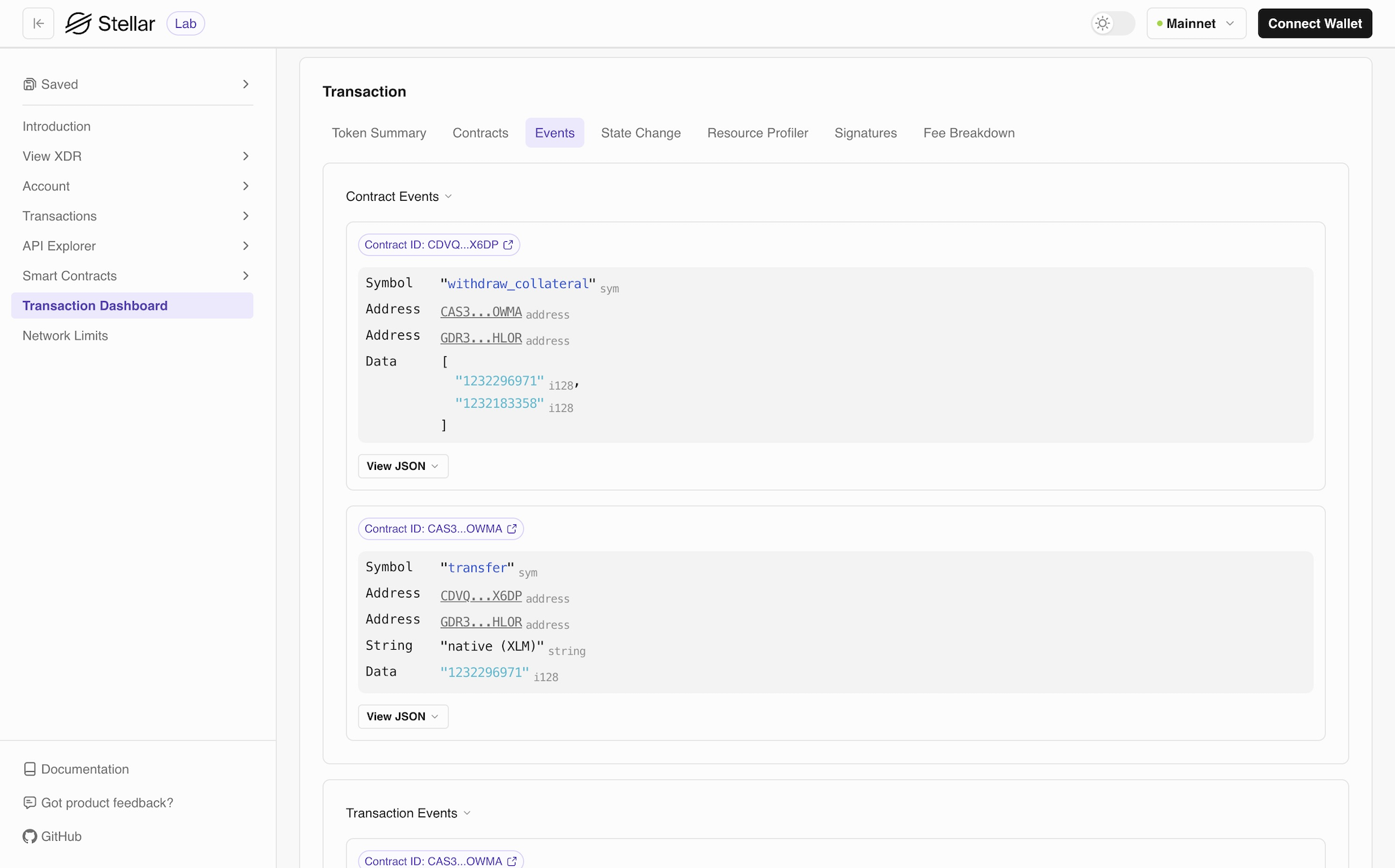
What you'll see: Event topics, event data payloads with decoded values, Contract ID that emitted each event, chronological order of all events, and token events
State Change
The State Change tab shows how ledger entries changed before and after the transaction, giving you a complete picture of the transaction's impact on blockchain state.
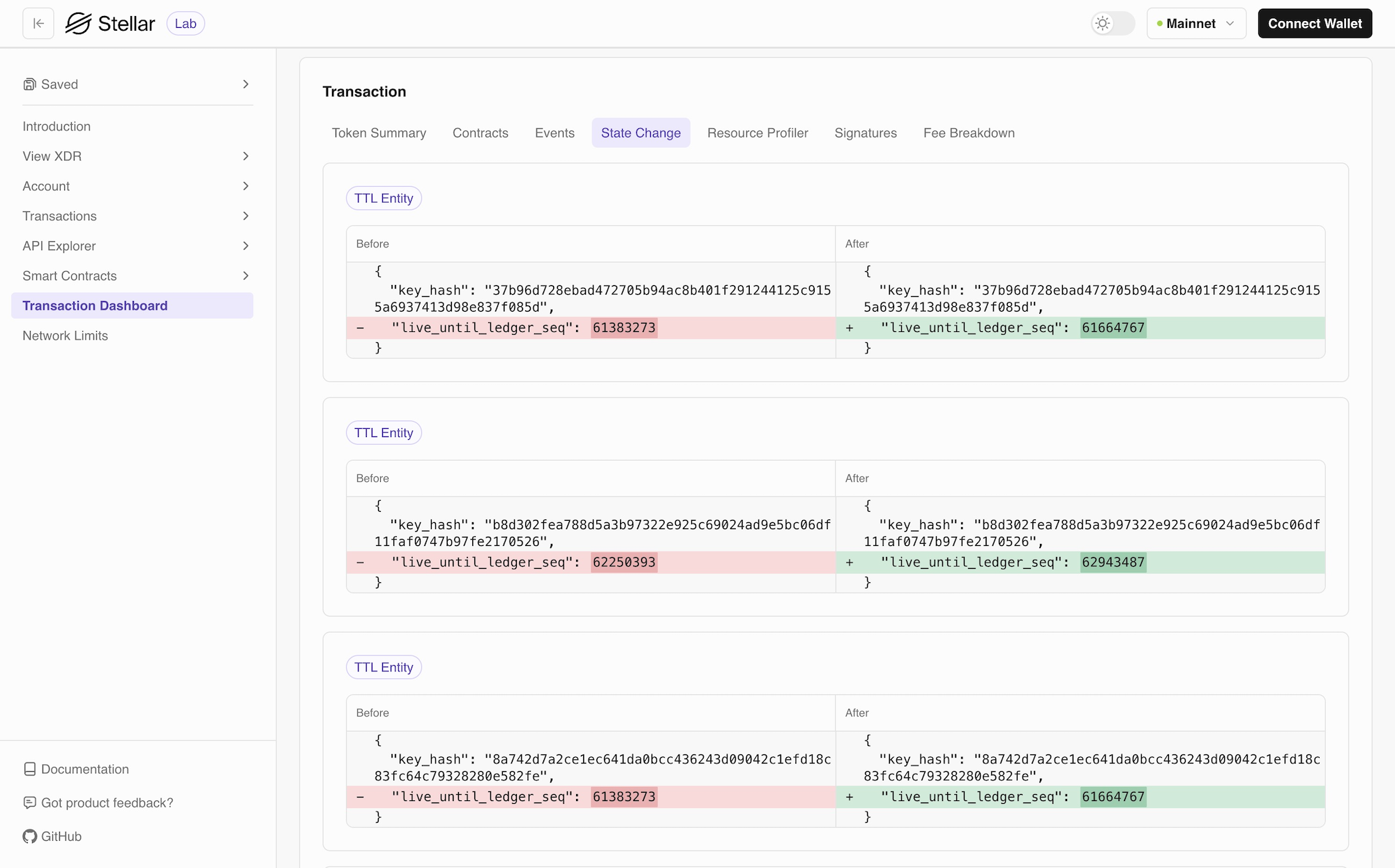
What you'll see: Contract storage modifications (data read, written, or deleted), account balance changes, trustline updates, contract instance changes, state archival and restoration information Ledger footprint details (which entries were accessed)
Resource Profiler
The Resource Profiler provides detailed metrics on resource consumption during transaction execution, helping you understand performance characteristics and optimize costs.
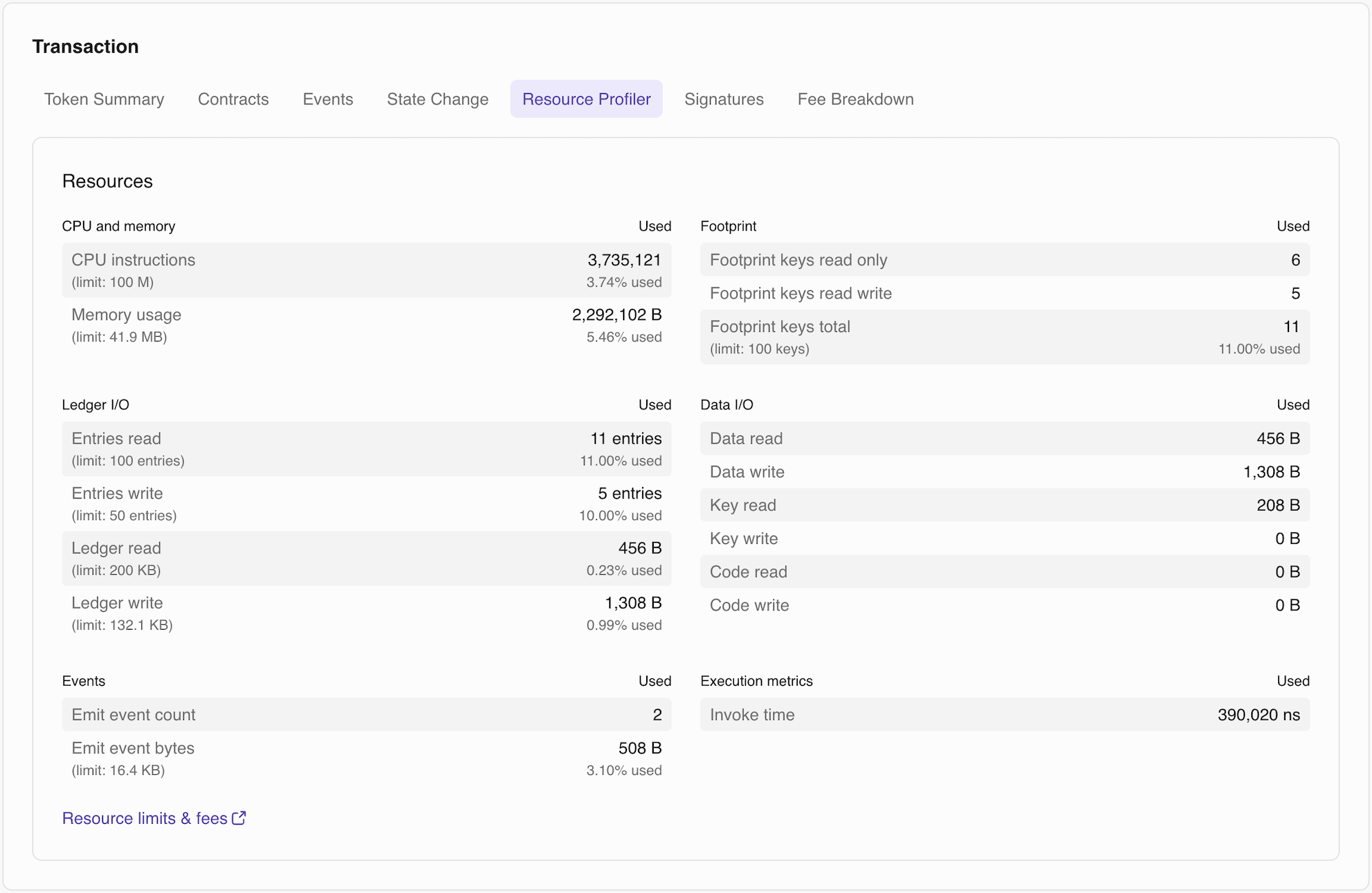
What you'll see: CPU instructions consumed Memory (RAM) bytes used, ledger read and write bytes, transaction size metrics, resource fee calculations, comparison against network limits
Signatures
The Signatures tab displays all signing and authorization information for the transaction, essential for understanding multi-signature setups and contract authorization.
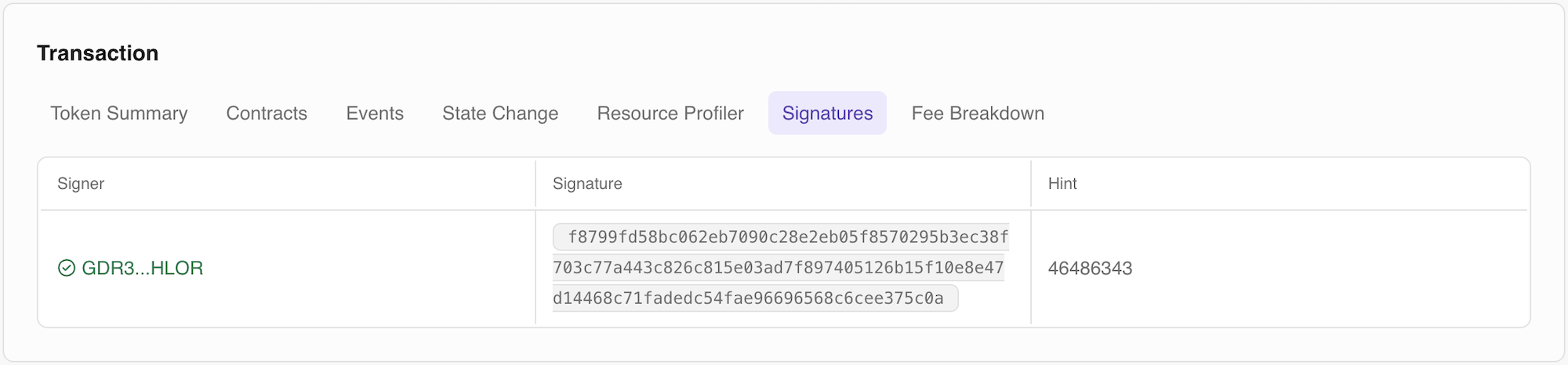
What you'll see: Required signers for the transaction, actual signatures provided, public keys of all signers.
Fee Breakdown
The Fee Breakdown tab provides a detailed analysis of all costs associated with the transaction, showing exactly where XLM was spent.
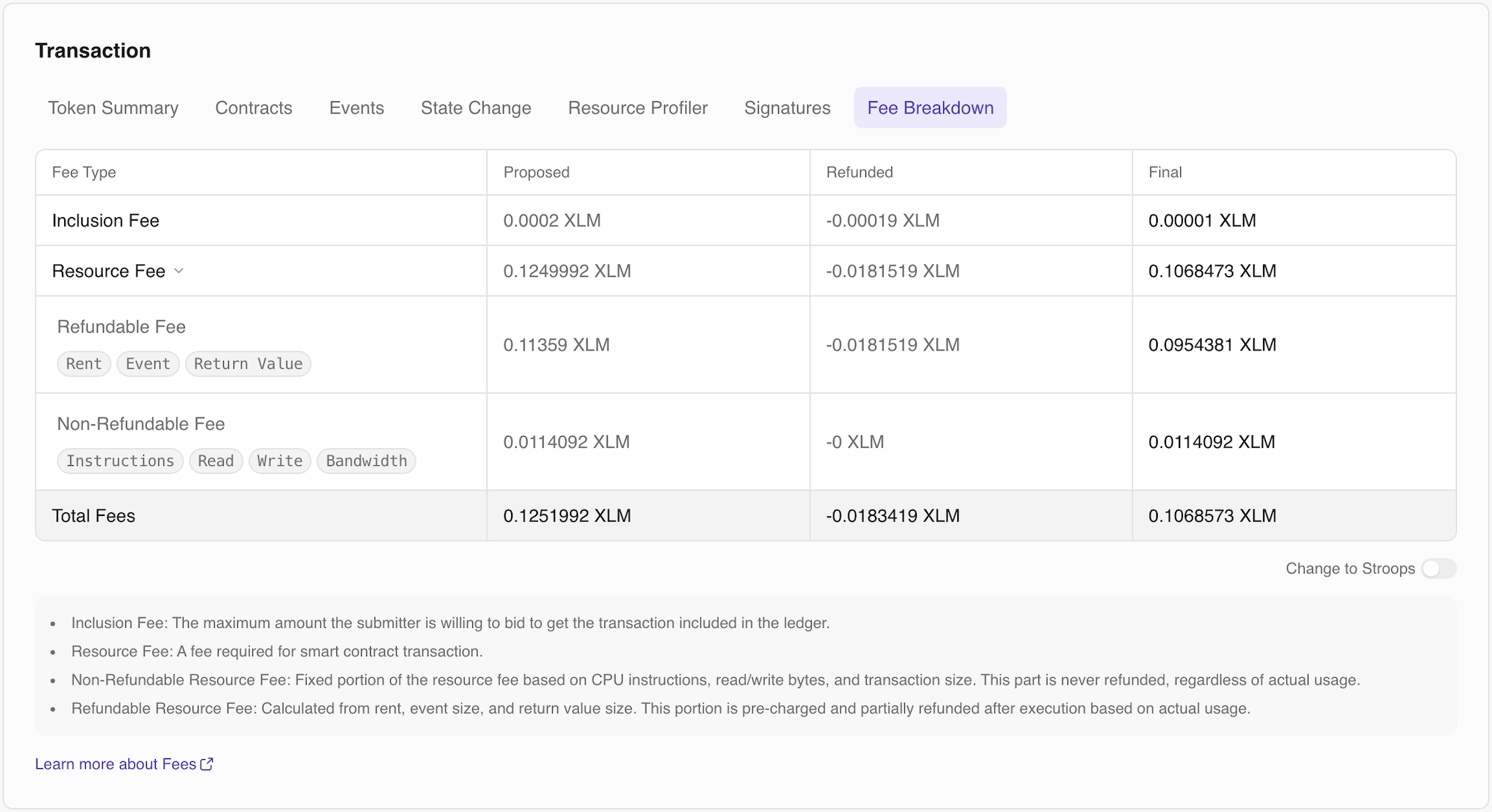
What you'll see: Base network fee, resource fee, fee charged versus fee refunded, and final fee
Dashboard Tabs for Classic
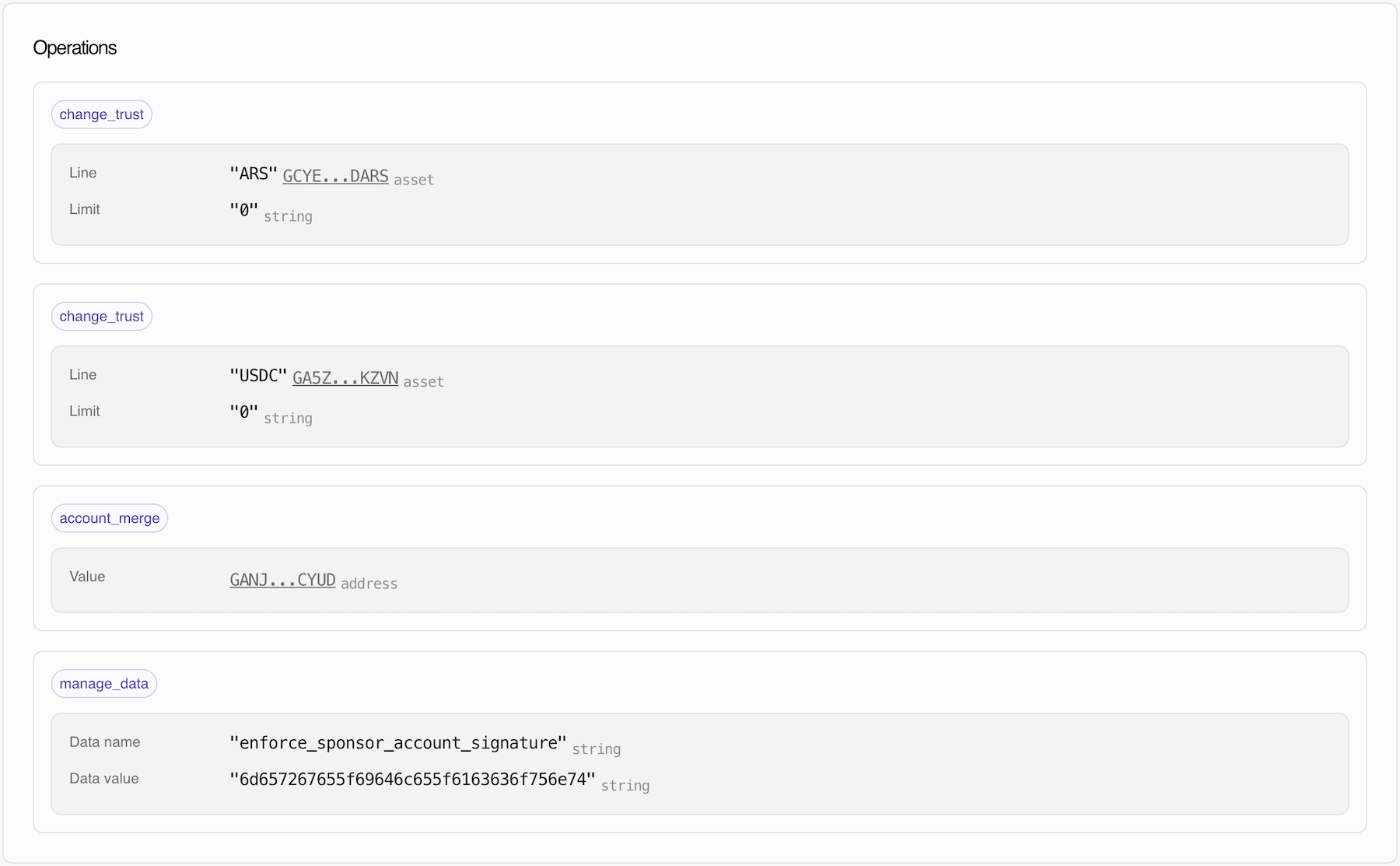
The Transaction Dashboard for classic transactions is straightforward and focused on operations. It displays all operations that occurred in the transaction, with support for up to 100 operations per page.
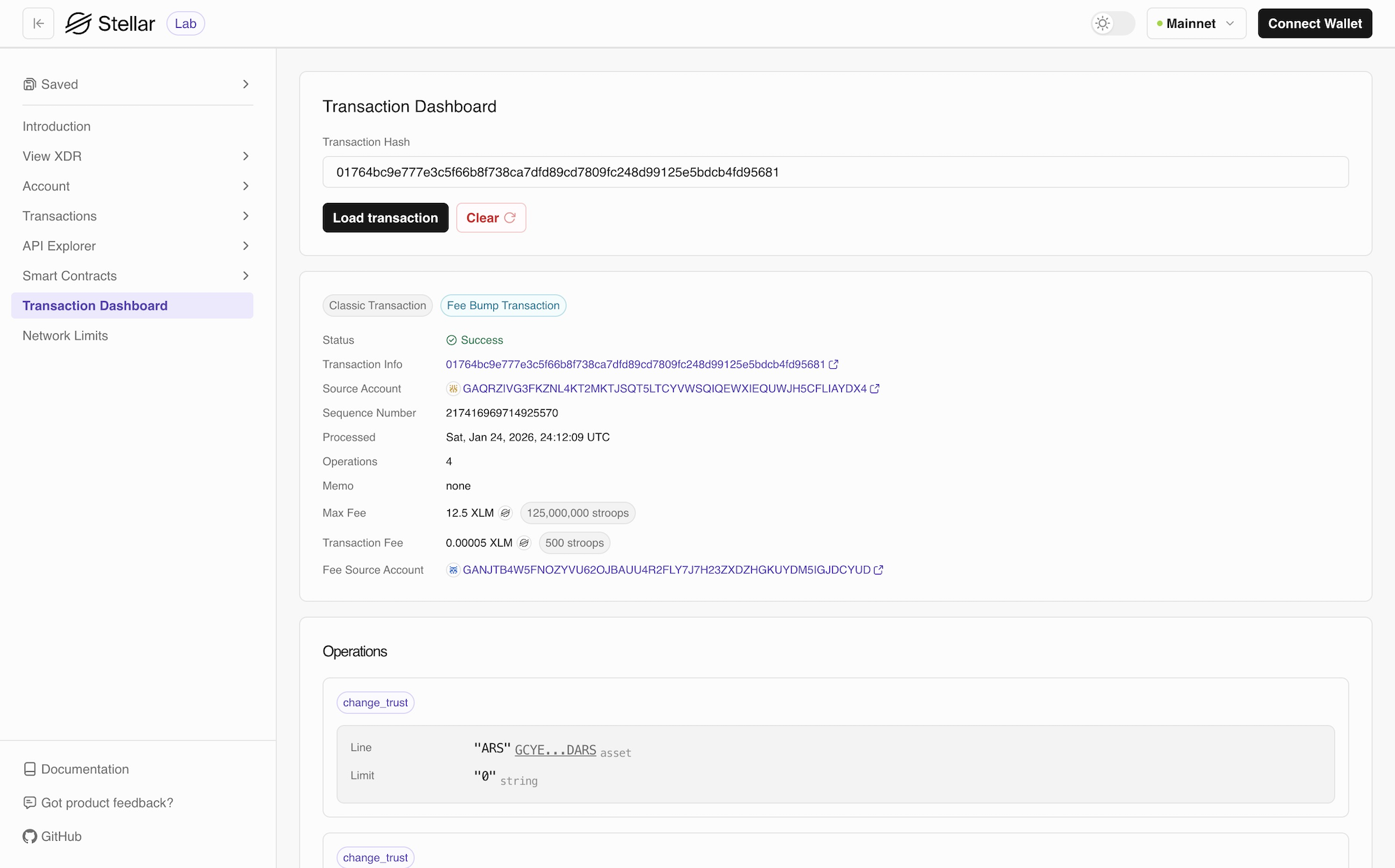
Operations
For more information operations, check List of Operations.